proactive cards for HubSpot
Reach customers proactively without leaving HubSpot
Send the first message on WhatsApp or SMS from the contact record. Every message is logged automatically.
Alex Morgan
HubSpot contact record
 WhatsApp
 SMS
SMSTemplate
Hi Alex, your order has shipped.
Hi Alex, your order has shipped.
Logged to the contact timeline




how it works
Outreach inside your CRM
WhatsApp templates
When the 24-hour window closes, send an approved template. No phone needed.SMS follow-ups
Type a freeform SMS right from the contact view.Logged automatically
Every message lands on the HubSpot contact timeline.
in the contact record
Four steps, one click
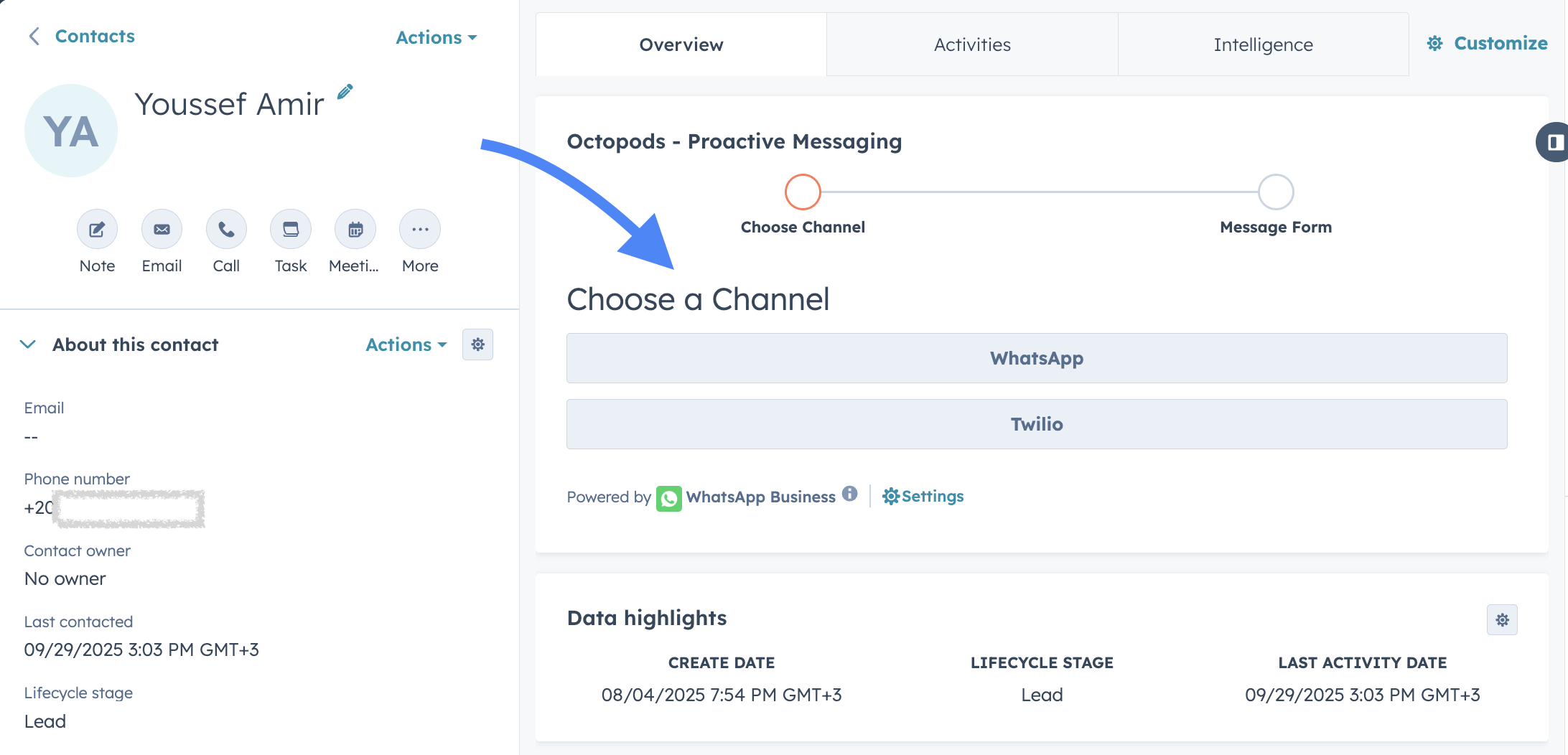
- 1
Open the contact record
Everything starts inside HubSpot.
- 2
Pick channel and sender
WhatsApp or SMS, from your team's numbers.
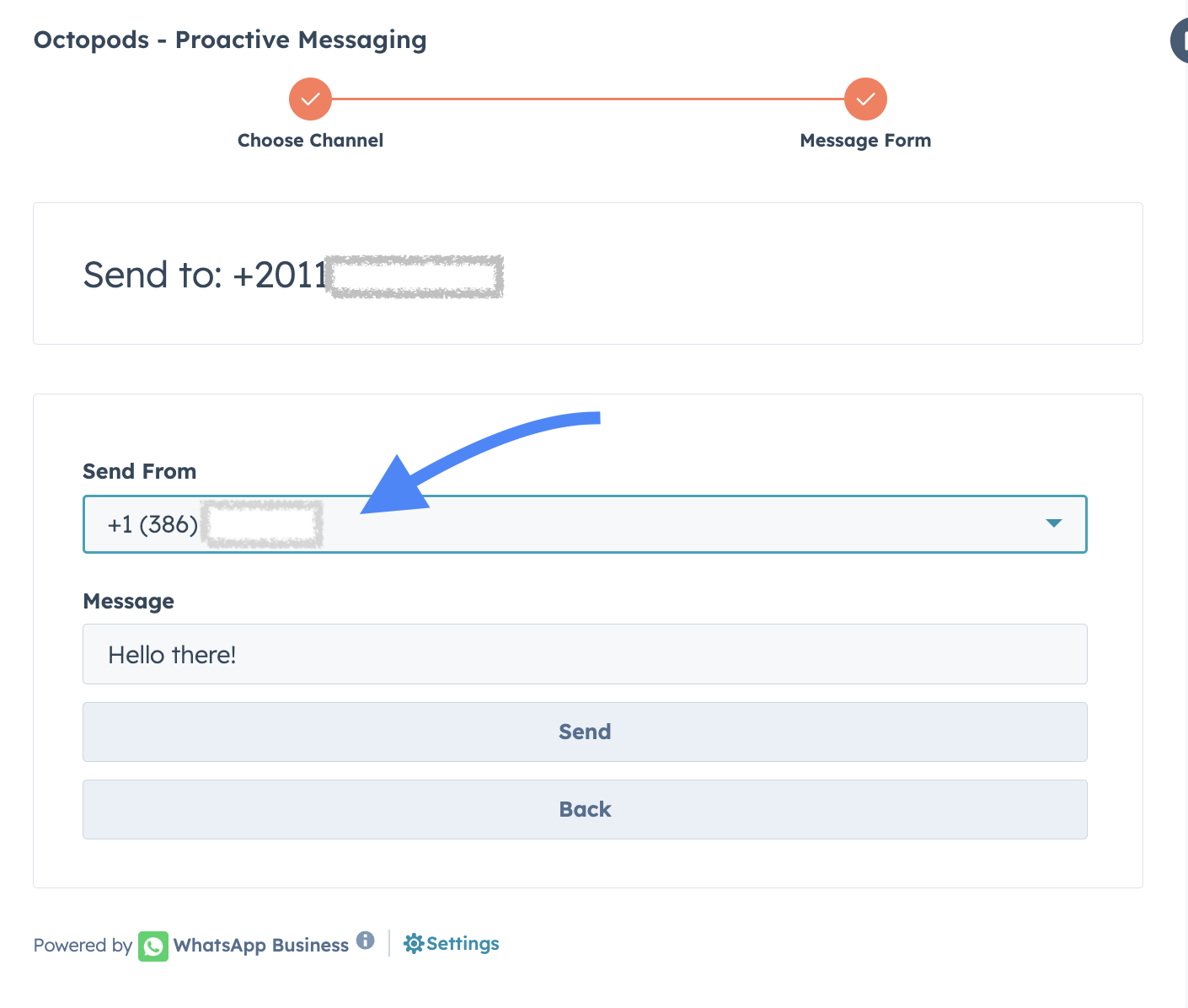
- 3
Write your message
WhatsApp: pick a template. SMS: type freely.
- 4
Send
One click. It's logged to the timeline.
Works on WhatsApp and SMS
more features
More for your HubSpot
- Capterra
Great experience, easy to manage
Great. I had great support when implementing. And it's super helpful having access to the trial so I could test it and try it to discover it's true potential.
Read on CapterraTania C.Sr Sales & Operations Manager · Financial Services
short answers
Frequently asked questions
Everything you need to know about using Octopods with HubSpot's inbox and CRM.
Your team is already in HubSpot. Meet your customers there too.
Set up in minutes.
No credit card required · 7-day free trial