Questions about Octopods?Schedule a call
Telegram bots natively in HubSpot

Telegram → HubSpot
JD
AS
MK
RL
Millions of Telegram conversations managed monthly
The cost of disconnected channels
When your Telegram DMs live outside of HubSpot, your team faces friction.
- Customer history is split between two apps
- Longer response times due to switching apps
- Teams waste hours manually logging Telegram chats into HubSpot contact records
- Managers don't have overall visibility
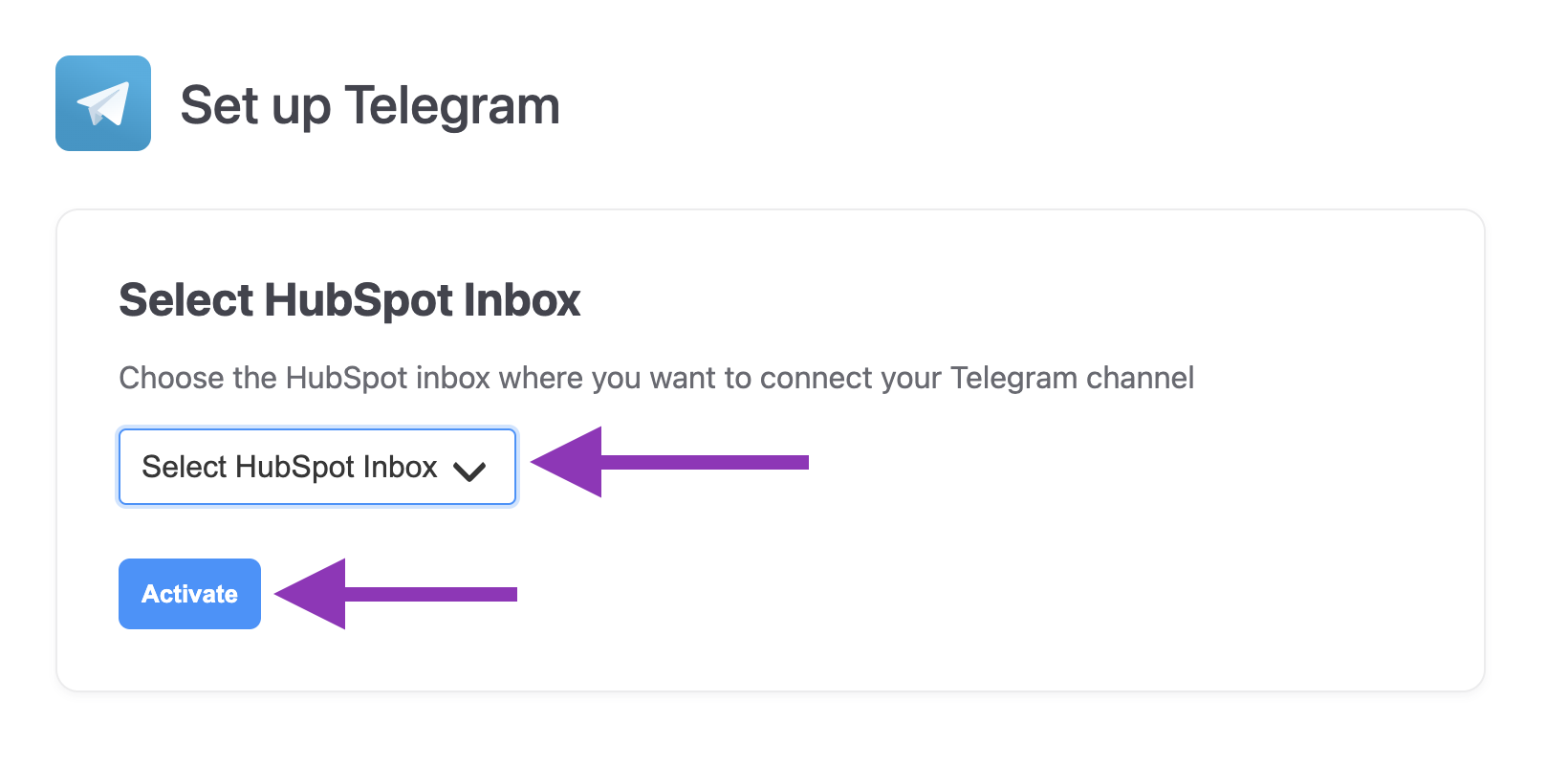
Connect Telegram to HubSpot in minutes
Connecting Octopods is designed to be the easiest part of your day.
Why use Octopods for Telegram + HubSpot
Telegram messages in the HubSpot Inbox
- Receive and reply to Telegram Bot DMs and group chats directly from your HubSpot Inbox
- Support for text, media, and more
Centralized conversation tracking
- Keep Telegram conversations and inquiries visible inside HubSpot
- Alongside other customer interactions
Multiple bots, one workspace
- Connect as many Telegram Bots as you need to the HubSpot Inboxes you choose
- No sign-in required - install and Octopods creates your account automatically
Telegram Message
@customer_username
Open
Hi! I have a question about your product. Can you help me?
You
Of course! I'd be happy to help. What would you like to know?
Seen 2:15 PM
Contact: @telegram_user
CS
Synced to HubSpotHow teams use the Telegram HubSpot Integration
One connection, multiple use cases
Sales
Convert Telegram inquiries into HubSpot Deals instantly and track the entire buyer journey
Support
Resolve technical issues via Telegram using HubSpot's powerful ticketing and automation tools
Operations
Manage high-volume community group chats without dropping messages
Marketing
Lead-gen bots feed data directly into your HubSpot lists for follow-up campaigns
Frequently asked questions
Common questions about the Telegram HubSpot Integration
Yes, Octopods allows you to connect multiple Telegram Bots to HubSpot and route each bot to one or more HubSpot Inboxes. This makes it easy to manage different Telegram Bots while keeping all Telegram conversations visible inside HubSpot.
Yes, all Telegram messages sent to your connected Telegram Bots sync automatically to HubSpot. This includes direct messages and group chats, so every Telegram conversation appears in your HubSpot Inbox without manual syncing.
Yes, you can receive and reply to Telegram messages directly from your HubSpot Inbox. Replies support text, media, and more, allowing you to manage full Telegram conversations without leaving HubSpot.
Octopods fully supports Telegram Bots created through BotFather. Each channel connection in Octopods corresponds to exactly one Telegram Bot. A channel connection represents the entire bot, not individual chats or conversations. This means you only need one channel connection per Telegram Bot, no matter how many users, chats, or conversations that bot handles.
Ready to connect Telegram to your HubSpot Inbox?
Sync Telegram conversations to HubSpot in a few minutes
Available on the HubSpot App Marketplace