Questions about Octopods?Schedule a call
 TikTok Integration
Bring your TikTok DMs into HubSpot

TikTok → HubSpot
JD
AS
MK
RL
Millions of DMs synced to HubSpot every month
Does this sound familiar?
- TikTok DMs live outside HubSpot
- Context and customer info are scattered across tools
- Contacts aren't created or tracked automatically
- TikTok messages aren’t synced to HubSpot conversations
Bring TikTok DMs into HubSpot
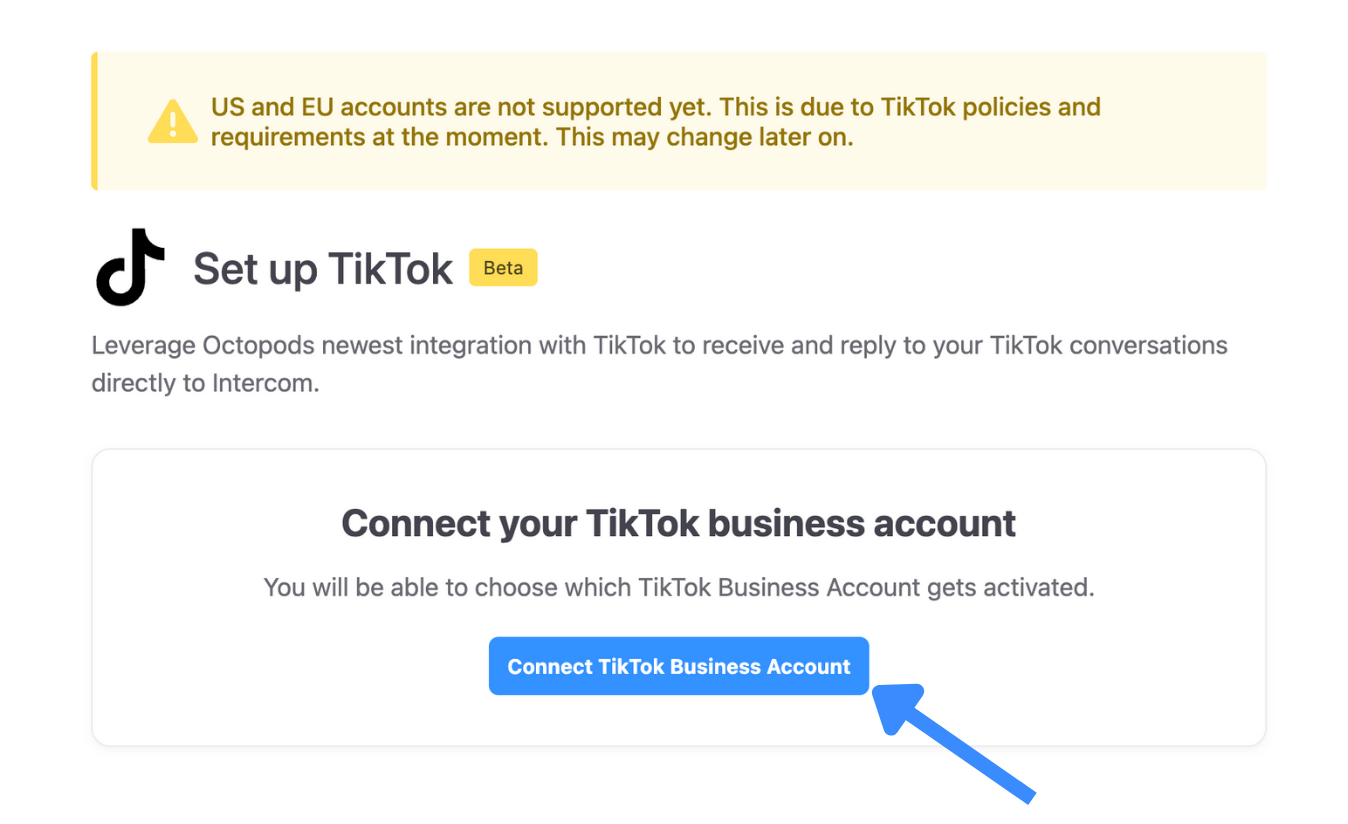
Octopods connects your TikTok Business Pages to HubSpot so every DM becomes a HubSpot conversation
Why teams use Octopods for HubSpot + TikTok
Tiktok DMs in HubSpot
- TikTok DM conversations sync into the HubSpot inbox
- Messages & attachments are preserved in the conversation thread
- Conversations live alongside other HubSpot channels
Contacts & conversations are synced
- TikTok users are auto created as HubSpot Contacts
- Conversations are linked to correct contact records
- Full message history appears on HubSpot timeline
One login, multiple TikTok pages
- Connect multiple TikTok Business pages & route pages to different HubSpot inboxes
- Octopods creates your account automatically. No extra logins or separate dashboards
TikTok DM
@viral_creator
Open
Hey! Loved your product in the video. Where can I buy it?
You
Thanks for reaching out! Here's a link to our store with a special discount for you.
Seen 2:15 PM
Contact created
CS
Synced to HubSpotWho this integration is for
- B2B teams using HubSpot Service Hub
- Companies receiving customer inquiries through TikTok DMs
- Teams that want TikTok conversations tracked in the CRM
- Support, sales or growth teams managing 1-to-1 TikTok conversations
What this integration is not
- Not a TikTok social media management tool
- Not for publishing or scheduling TikTok content
- Not bulk or campaign-based TikTok messaging
- Not a replacement for HubSpot
How teams use the TikTok + HubSpot integration
Customer support
Answer TikTok DMs from HubSpot without losing message history or ownership
Lead capture
Turn TikTok leads into HubSpot contacts while interest is high
Customer experience
Keep TikTok chats connected to the full customer journey in HubSpot
Frequently asked questions
Common questions about the TikTok HubSpot Integration
You receive TikTok messages in the HubSpot Inbox by connecting your TikTok Business Page to HubSpot using the Octopods TikTok HubSpot integration. Once connected, all incoming TikTok DMs automatically sync to your HubSpot Inbox or Help Desk in real time.
Yes, all TikTok DMs synced through the TikTok HubSpot integration are saved as native HubSpot conversations. This means TikTok conversations appear in your HubSpot Inbox just like any other channel, making it easy to track message history and maintain a complete communication record inside HubSpot.
Yes, the TikTok HubSpot integration can automatically create HubSpot contacts for TikTok users based on their TikTok profile data. When a new TikTok DM is received, Octopods either matches the conversation to an existing HubSpot contact or creates a new contact and links it to the TikTok conversation. This feature can be turned on or off depending on your CRM preferences.
Yes, Octopods allows you to connect multiple TikTok Business Pages to one or more HubSpot Inboxes or Help Desks. Each TikTok Business Page can be routed to the inbox that fits your workflow, making it easy to manage TikTok DMs across different brands.
Ready to bring TikTok into HubSpot?
Connect your TikTok Business Pages in minutes
Available in the HubSpot App Marketplace