 LINE Official Account integration
The easiest way to bring LINE messages into HubSpot

LINE → HubSpot
Millions of LINE messages managed monthly
Does this sound familiar?
Customers message you on LINE, but your CRM info lives in HubSpot.
- LINE conversations lack CRM context and customer info
- Teams switch tools to track and reply to messages
- Teams have to log LINE conversations manually into HubSpot records
- Reply speed goes down
Connect LINE to HubSpot through Octopods
Octopods brings LINE messages into HubSpot as native conversations, so your team can manage multiple channels in one place.
Choose LINE
Go to HubSpot, choose LINE, then add the Client ID and Client Secret for LINE
Select your inbox
Choose the HubSpot inbox you want to connect the channel to
Connect the webhook
Copy the LINE Webhook URL and add it in the LINE Messaging API to start receiving messages
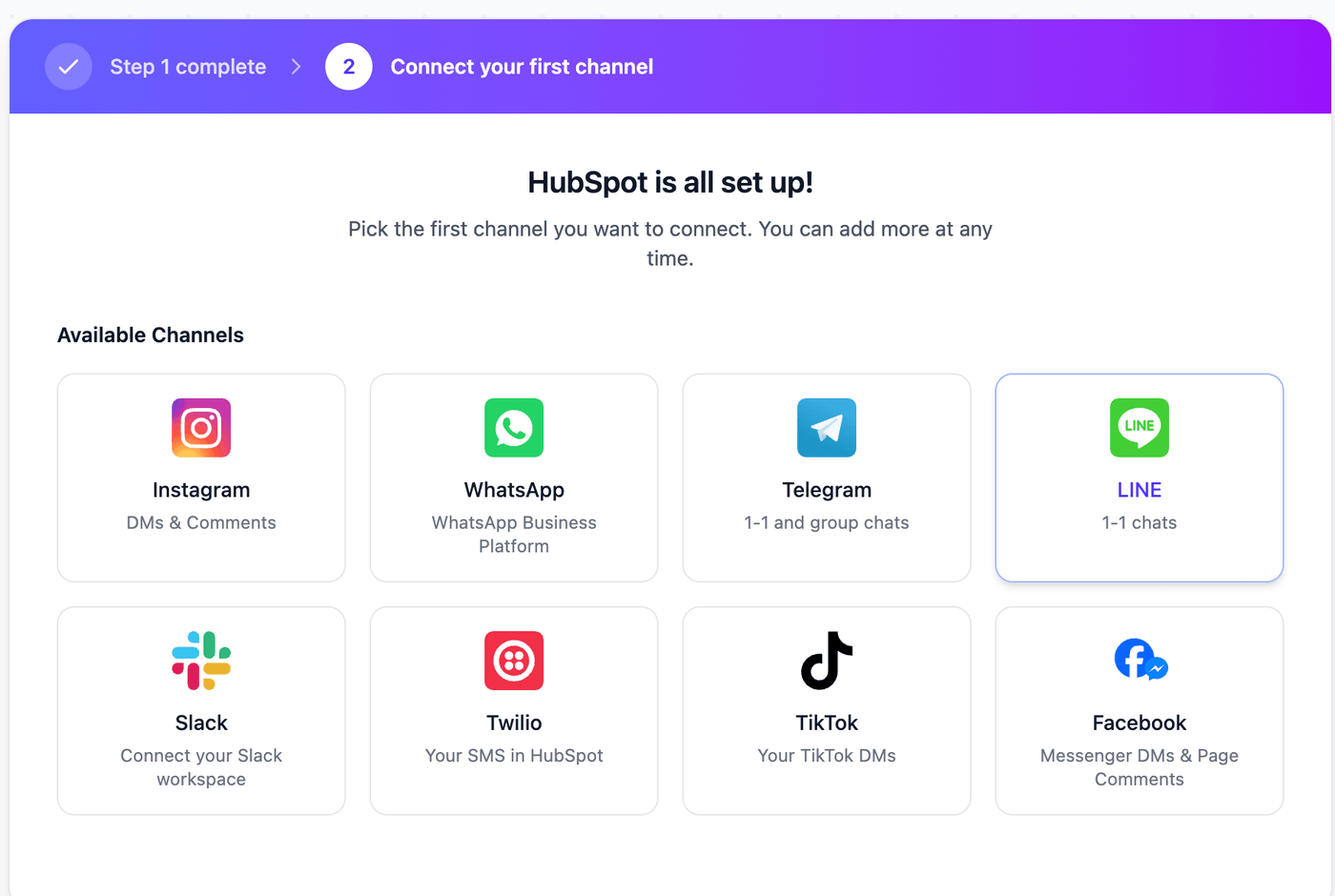
1. Choose LINE
Pick LINE in Octopods
Why use Octopods for LINE + HubSpot
Native HubSpot experience
- LINE messages appear as HubSpot conversations inside the inbox
- Teams can use HubSpot native inbox features to manage LINE messages
Smart routing with CDAs
- Octopods creates LINE leads with CDAs so your team can segment customers
- Teams can use CDAs to create automatic assignment rules
Automation and HubSpot workflows
- LINE conversations can use the same HubSpot automated workflows as your other messaging channels
- Teams can use HubSpot automation features to reply at scale
How teams use the LINE HubSpot integration
Give your customers a better messaging experience with the LINE HubSpot integration
Customer support
Handle LINE conversations from HubSpot with full conversation history and contact context
Proactive engagement and follow-ups
Contact LINE customers proactively from HubSpot for product updates or onboarding
Issue triage & escalation
Track issues for LINE customers with HubSpot's ticketing and automation tools
Frequently asked questions
Common questions about the LINE HubSpot integration
Octopods connects LINE to HubSpot through LINE's Messaging API. Setup follows 3 steps:
- Enable the Messaging API in your LINE Official Account Manager
- Sign in to Octopods, select your HubSpot workspace, and choose LINE as the channel
- Confirm the webhook connection and start replying from your HubSpot inbox
Setup takes minutes and needs no developer work on your end.
LINE conversations plug into the same HubSpot tools your team already runs for other channels:
- Timeline events log every LINE message against the contact record
- Workflows trigger on new LINE conversations the same way they trigger on WhatsApp or SMS
- Contact properties update automatically as LINE users message your business
- Reporting includes LINE alongside every other connected channel
Ready to connect LINE to your HubSpot inbox?
Set up the integration with full support from our team
Available on the HubSpot Marketplace