Manage all WhatsApp Conversations Inside HubSpot

WhatsApp → HubSpot
Millions of WhatsApp conversations managed monthly
The struggle of disconnected channels
When conversations live outside HubSpot, teams lose context, speed, and visibility.
- You reply to WhatsApp messages outside the HubSpot Inbox
- Customer conversations aren't tied to contacts or records
- Teams lack visibility into ongoing WhatsApp chats
- Follow-ups depend on memory or manual updates
Connect WhatsApp to HubSpot in minutes
Receive and reply to WhatsApp messages inside HubSpot. One integration. Full sync.
Connect your WhatsApp Business Accounts
Link your WhatsApp Business accounts to Octopods
Choose your HubSpot Inbox or Help Desk
Select where WhatsApp messages should appear in HubSpot
Start replying
Reply to WhatsApp messages directly from the HubSpot Inbox
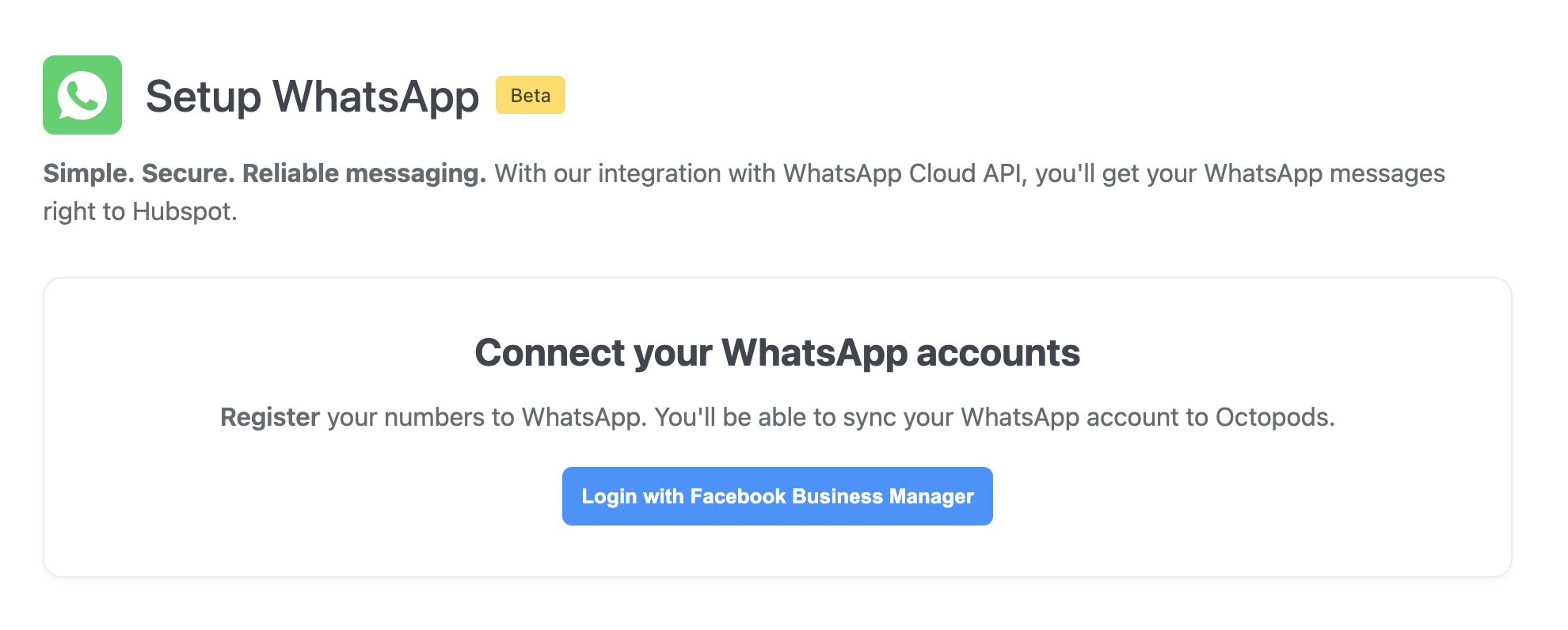
1. Connect
Link your WhatsApp Business accounts
Why use Octopods for WhatsApp + HubSpot
Everything WhatsApp teams need inside HubSpot
WhatsApp in the HubSpot Inbox
- Receive and reply to WhatsApp DMs directly from HubSpot
- Automatic contact syncing matches WhatsApp numbers to existing HubSpot contacts
Proactive WhatsApp templates
- Send WhatsApp template messages from HubSpot
- Octopods opens proactive conversations and syncs them instantly
Multiple accounts, one platform
- Connect as many WhatsApp Business Accounts as you need
- No sign-in required - we create your Octopods account automatically
How teams use the WhatsApp + HubSpot integration
Everyone works from the same Inbox and the same customer timeline
Working with customer groups? Explore WhatsApp Groups in HubSpot.
Customer Support
Keep WhatsApp conversations tied to the right contacts and tickets, so agents reply faster with full context
Lead Engagement
Track real customer replies and conversations on WhatsApp
Customer Follow-ups
Continue conversations without losing history, and make every follow-up timely and informed
Frequently asked questions
Common questions about the WhatsApp HubSpot Integration
Ready to connect WhatsApp to your HubSpot Inbox?
Sync WhatsApp conversations to HubSpot in a few minutes
Available on the HubSpot App Marketplace