Bring Facebook Messages & Comments into Intercom

Facebook → Intercom
Thousands of Facebook conversations managed monthly
Two problems, one solution
Some customers contact you on Messenger. Some leave you comments on Facebook pages. Your team is on Intercom. Three different tools.
Messenger and comments disconnected
- Messages are on Messenger and post comments are on pages
- No single source of truth, teams have to chase context on different tools
- Important messages and page comments get dropped
Facebook and Intercom disconnected
- Teams support customers in Intercom, but messages/comments are outside it
- Agents juggle multiple tools, Pages, and devices just to respond
- Hard to get full context when conversations are scattered
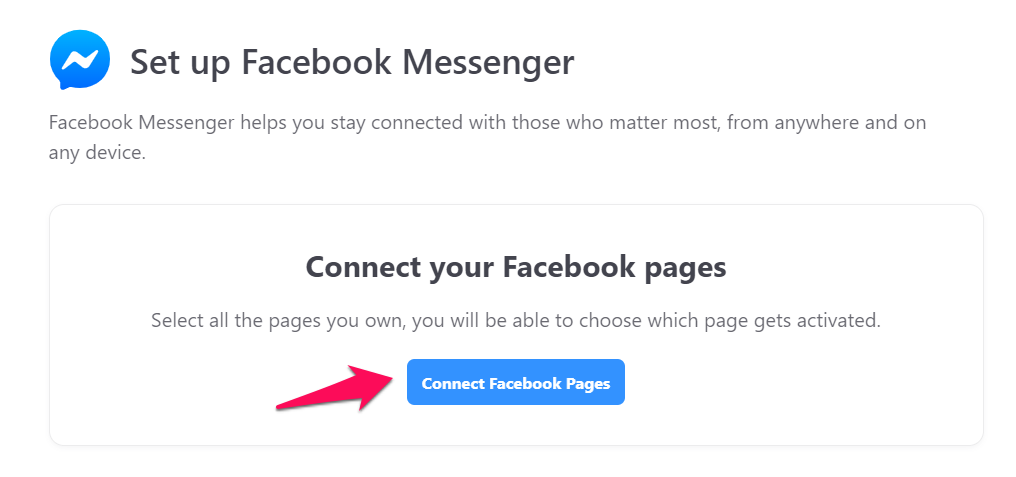
Connect Facebook Messenger & Comments to Intercom
Reply to Facebook comments and messages from inside Intercom. In 3 minutes.
Why Use Octopods for Facebook + Intercom
Two important support channels inside one Intercom inbox. A smoother workflow for your entire team.
Messenger + Comments in one place
- Both private messages and priority comments arrive as Intercom conversations your team can actually act on
- You can reply to them from Intercom inbox
Multiple pages in one Intercom workspace
- You can connect multiple Facebook pages to one or more Intercom workspaces
- Page comments get filtered so that you receive important support inquiries only
Reliable & secure integration
- Meta verified partner
- Built on official APIs
How teams use the Facebook Intercom Integration
Give your customers a faster and smoother support experience with the Facebook Intercom integration
Customer support
Fast, mobile-first replies to Messenger messages and post comments without switching tools
Operations updates
Send order, delivery, and account updates directly through Messenger and comments
Social listening
Spot feedback and questions in post comments before they get lost
Frequently asked questions
Common questions about the Facebook Intercom Integration
Ready to integrate Facebook with Intercom?
Sync all Facebook Messenger chats and comments to your Intercom inbox in minutes
Available on the Intercom App Store