Manage Slack conversations in Intercom

Slack → Intercom
Millions of Slack messages synced to Intercom every month
Does this sound familiar?
Your main support channel is Intercom, but you have active Slack channels for customers
- Customer questions live in channels, threads & DMs with no ownership
- Important context gets buried in Slack threads as conversations move forward
- There's no reliable customer history when agents change
- Slack conversations aren’t part of the Intercom timeline
Bring Slack messages into Intercom in 3 minutes
Octopods connects your Slack workspaces to Intercom so Slack threads appear as Intercom conversations in real time
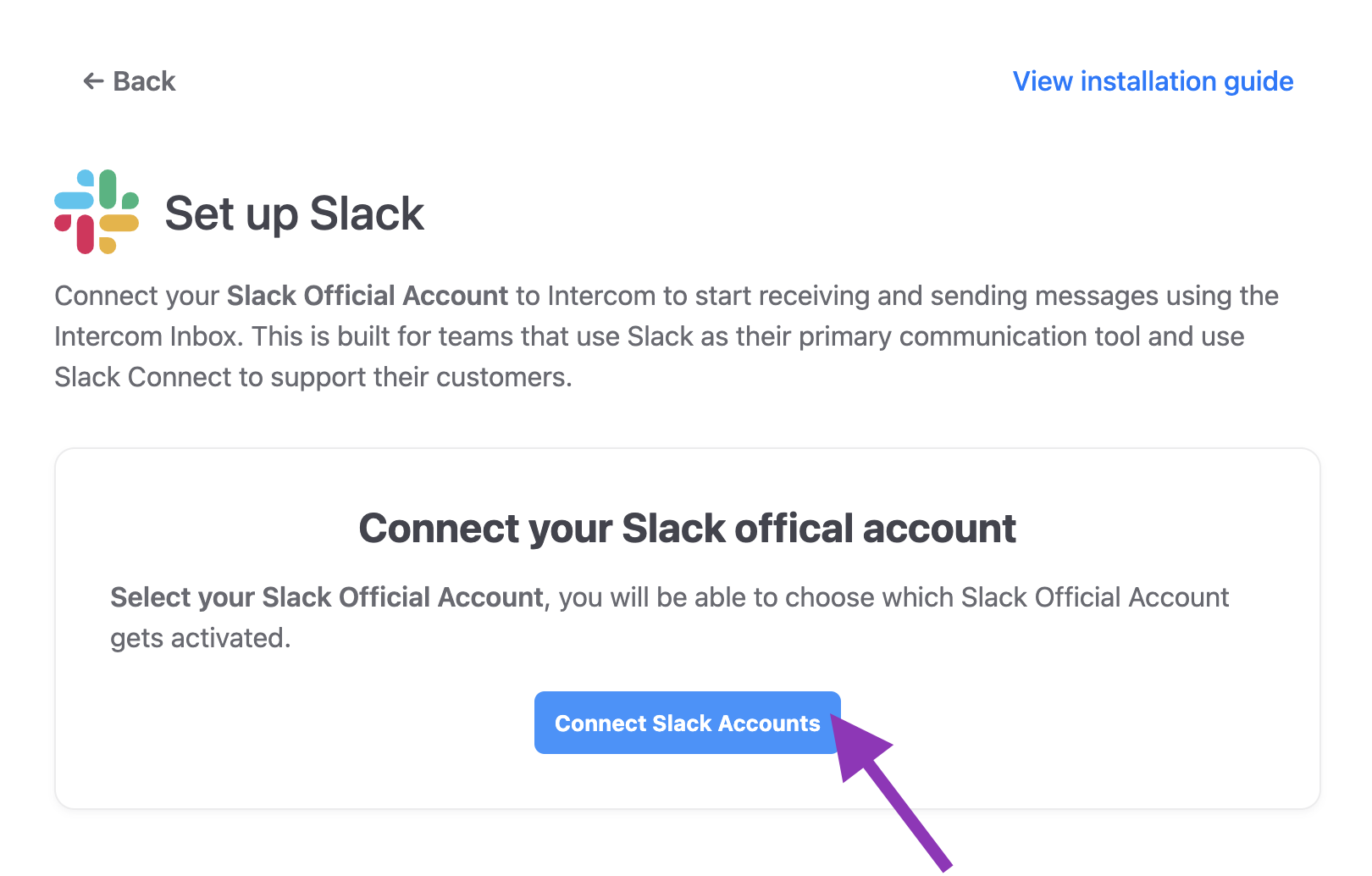
Why connect Slack & Intercom through Octopods?
The most reliable integration to bring your Slack conversations into Intercom
Native Intercom experience
- All Slack threads appear in Intercom
- You can manage and reply to Slack messages inside Intercom
Better ownership
- Know who's handling which conversation with clear assignments
- Track SLAs and response times
Faster responses
- Respond from Intercom without switching back to Slack
- Use Intercom's full workflow tools
Who this integration is for
- B2B teams using Intercom as their primary support system
- Companies with customer-facing Slack channels or shared workspaces
- Teams that want Slack conversations tracked in Intercom
- Support teams handling 1-to-1 conversations or Slack threads
What this integration is not
- Not a Slack-native helpdesk
- Not internal IT or employee support
- Not community moderation tooling
- Not a replacement for Intercom
How teams use the Slack + Intercom integration
Slack conversations, threads & support channels, all in your Intercom inbox
Customer Support
Handle support threads from Slack channels directly in Intercom
Internal Team Notes
Keep Slack discussions about customers synced with Intercom context
Pre-sales & Lead Capture
Turn questions in Slack channels into qualified Intercom leads
Operations Updates
Share customer or order updates from Slack while preserving context
Frequently asked questions
Common questions about the Slack Intercom Integration
Ready to connect Slack to your Intercom inbox?
Sync Slack conversations to Intercom in a few minutes
Available on the Intercom App Store