Questions about Octopods?Schedule a call
 Twilio SMS Integration
Receive Twilio SMS inside HubSpot

Twilio SMS → HubSpot
JD
AS
MK
RL
Millions of texts synced to HubSpot every month
Does this sound familiar?
SMS conversations disconnected from your CRM.
- Twilio SMS conversations live outside the HubSpot Inbox
- Messages aren't connected to contacts or customer records
- Teams switch tools to track and reply to SMS inquiries
- Customer context gets fragmented across systems
Bring Twilio SMS into HubSpot
Octopods connects your Twilio phone numbers directly to HubSpot so all SMS conversations appear in one place.
Why teams use Octopods for HubSpot + Twilio
SMS that works like a native HubSpot channel
Twilio SMS in the HubSpot Inbox
- Receive and reply to Twilio SMS messages directly from your HubSpot Inbox or Help Desk
- Automatic contact matching & creation based on phone numbers
Multiple phone numbers, one workspace
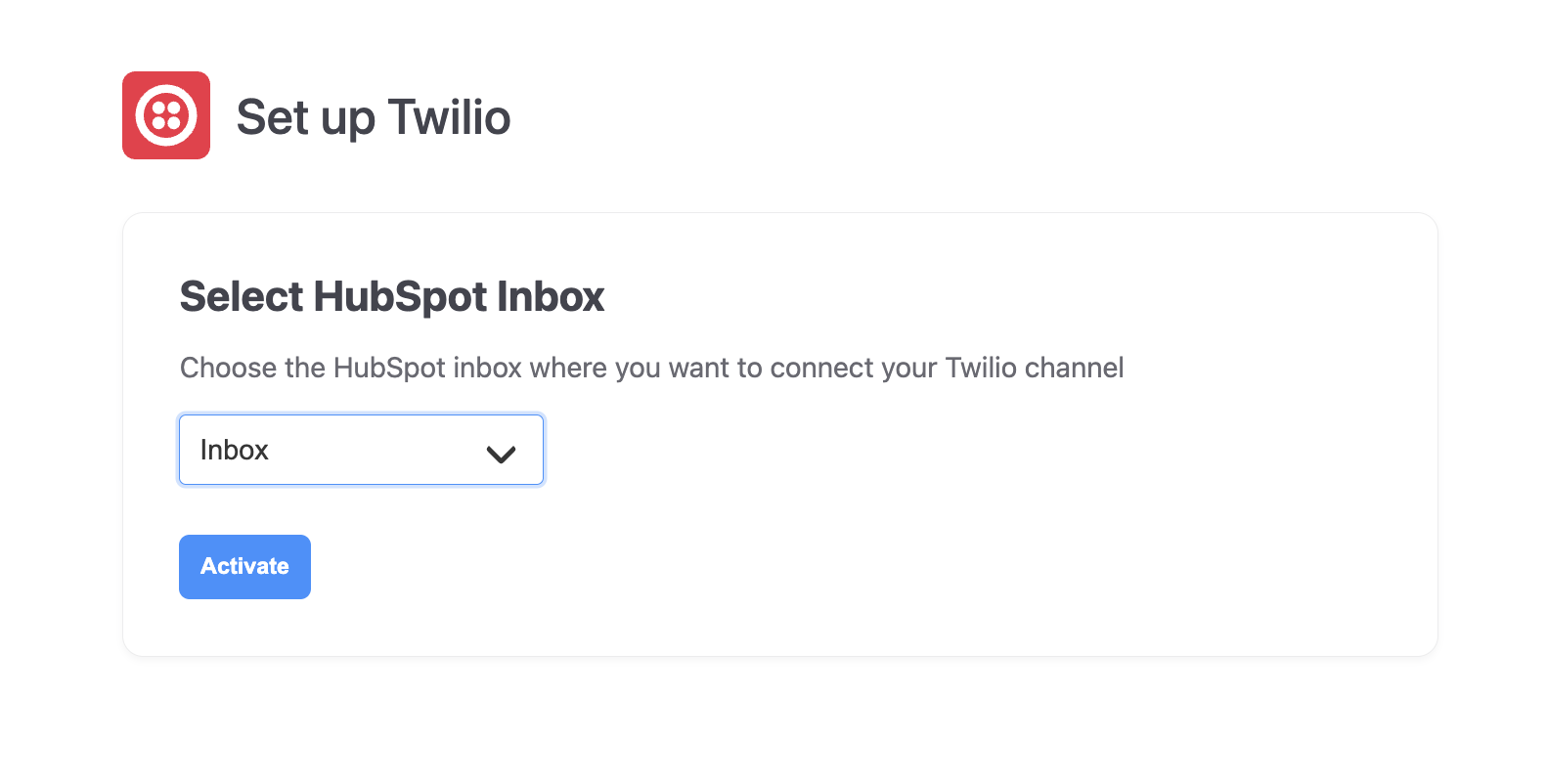
- Connect as many Twilio phone numbers as you need to the HubSpot Inboxes you choose
- Route different numbers to different teams
No sign-in required
- Install the integration in HubSpot and get started immediately
- Octopods creates your account automatically using your HubSpot email
SMS Message
+1 (555) 123-4567
Open
Hi, I'd like to check on my order status. Order #12345
You
Hi! Let me look that up for you. Your order shipped yesterday!
Delivered 2:15 PM
Contact matched
CS
Synced to HubSpotHow teams use the Twilio + HubSpot integration
SMS conversations, fully connected to customer context
Customer Support
Handle SMS inquiries from HubSpot with full conversation history and contact context
Inbound Inquiries
Track and respond to incoming SMS messages without switching tools
Ongoing Communication
Keep SMS conversations connected to the customer journey already tracked in HubSpot
Frequently asked questions
Common questions about the Twilio SMS HubSpot Integration
Yes, Octopods makes all incoming SMS messages from your Twilio phone numbers appear directly in your HubSpot Inbox or Help Desk. Your team can read and manage Twilio SMS conversations without leaving HubSpot.
Yes, Octopods automatically syncs contacts based on phone numbers. When a customer sends an SMS to your Twilio number, Octopods matches the message to an existing HubSpot contact or creates a new contact if one doesn't already exist.
Yes, the Twilio SMS integration works with HubSpot Service Hub. You can receive and reply to SMS messages through the HubSpot Inbox or Help Desk, assign conversations to agents, track response times, and manage support workflows.
Yes, once Twilio SMS conversations are synced into HubSpot, you can use HubSpot workflows and automation just like you would with email or live chat. This includes triggering workflows based on message activity, routing conversations, and updating contact properties.
Ready to integrate Twilio SMS with HubSpot?
Connect your Twilio numbers in minutes
Available in the HubSpot App Marketplace